




Teams of all sizes across industries are building custom online database tools to manage virtually every business process; from sales and operations, to stock management and HR
Start your free trialIt's absolutely brilliant. It takes me back to Microsoft Access in the early days with how easy it is to create tables and link datasets. It's so easy to use and navigate and gives you complete control.
Stuart Mapp, Managing Director
The Energy Network
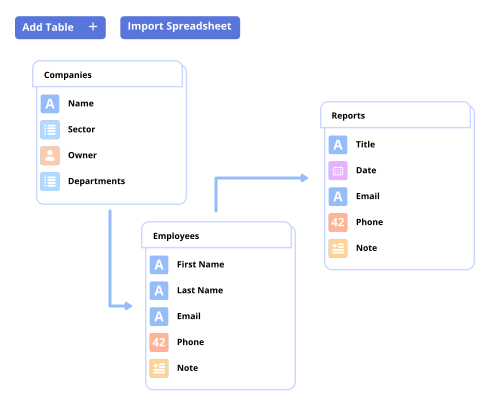
Create data tables to store information, with multiple field types, such as text, file attachments, checkboxes, formulas and more. Simply link tables together to form relationships between records
Share your online apps to collaborate across your teams, departments and customers in real-time, centralising projects as a single source of truth
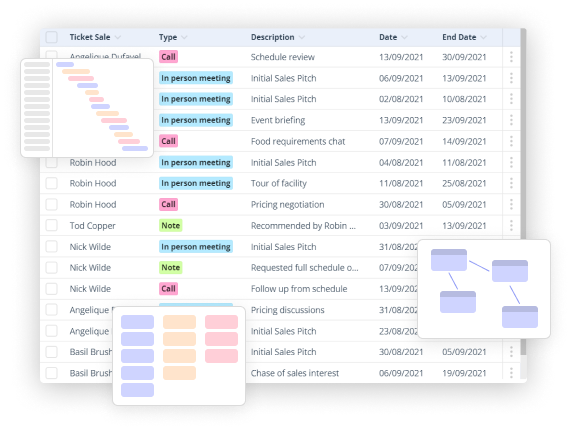
Layer different views on top of your data tables to present information in the way that suits you and your teams. From Dashboards and Gantt Charts to Calendars and Kanban Boards
Control access to data across your projects using granular user and group-based permissions. Easily configure permissions at a Table, Record or Field level; enabling users to only see what they need to see
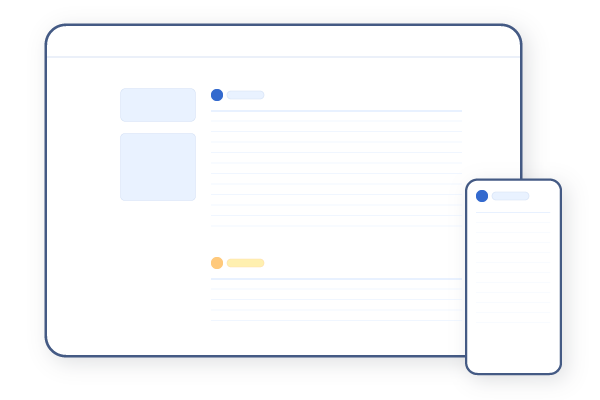
Access your project information and collaborate across teams securely from your desktop, tablet or mobile device, enabling you to manage your work, your way, from anywhere
Remove the boundaries of existing functions and discover a new way to work
Create Tables
Simply create tables to define the data you’d like to store, just like worksheets in a spreadsheet - from companies in a CRM, to campaigns in a Marketing Planner.
Link Tables
Add multiple tables and link them together to easily form relationships between data - from Parent Child relationships to many-to-many.
Field Types
Choose from field types to describe the type of information your storing, just like columns in a spreadsheet - from Date and List fields, to file and image uploads.
Dashboards
Create custom dashboards to provide a high level of your projects, visualising data in formats from pie charts and bar graphs, to funnel charts and number tiles.
Boards
Define each stage of work in progress to get a snapshot view of tasks that are approved, in progress, blocked or completed.
Gantt Charts
Get an overview of how work maps out over time, keeping projects and processes on track and teams and stakeholders aligned.
Gavin Watson, Technical Director, Pentest People
Group Access
Create custom permissions by group, including admin, edit or view, ensuring that users only have access to the information they need.
Field Access
Restrict user access at a field-based level, enabling you to choose which fields a user can view or edit across your project.
Record Access
Create specific permissions to control access to the records that a user can view or edit across your project, giving you greater control.
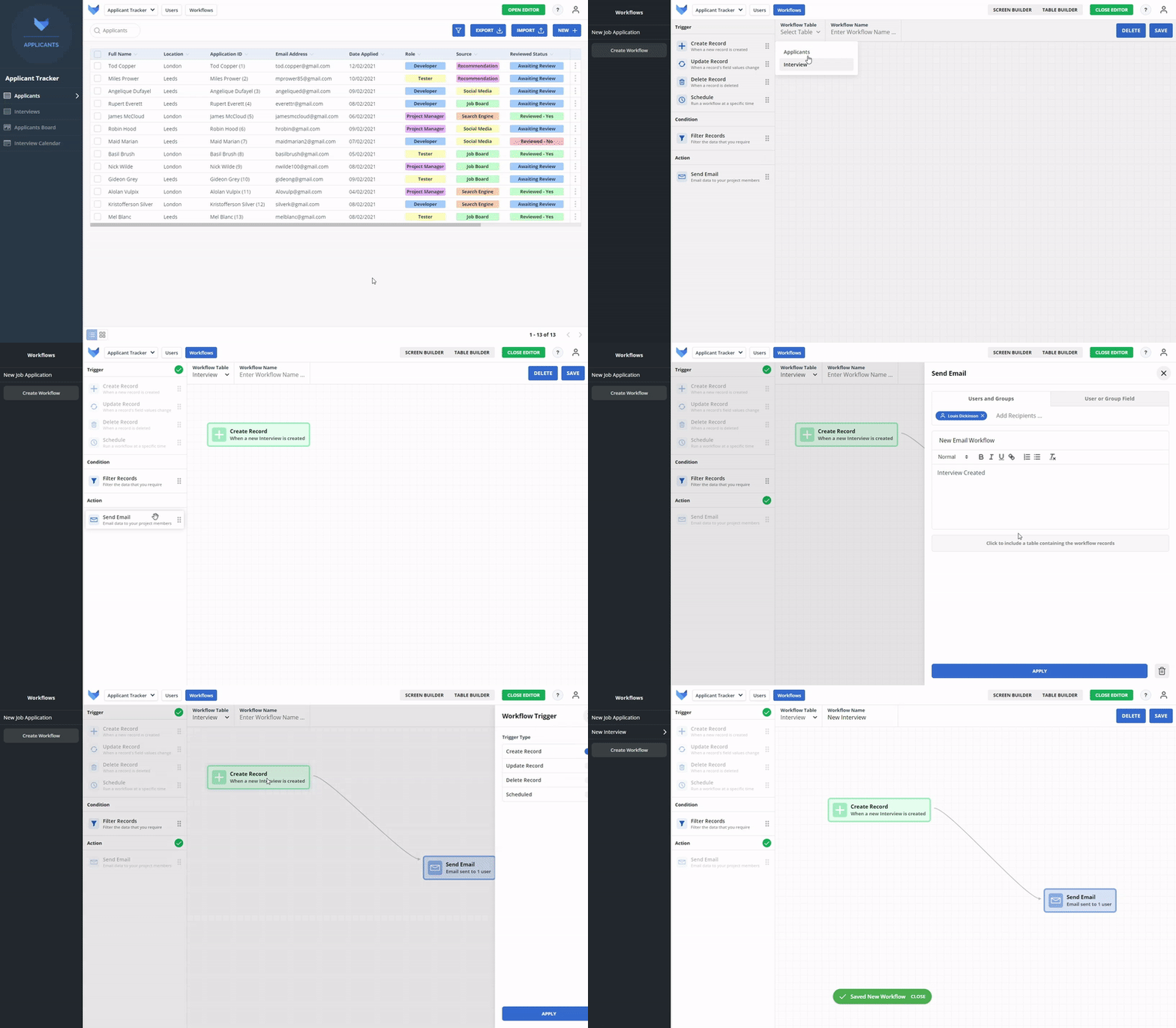
Real-time notifications
Set custom actions to trigger from events creating real-time notifications on anything that your project needs, ensuring everyone is kept up to date.
Automate reminders
Never let your team miss a task by setting workflows for reminders to email team mates on outstanding tasks assigned to them.
Increase collaboration
Set custom workflows specific to groups, reducing manual time spent communicating across team members.



Trusted by top companies and brands
 GRIDFOX