




Businesses of all sizes across industries are replacing disparate tools and excel spreadsheets by building custom applications to manage virtually every business process; from marketing and HR, to sales and project management.
Get StartedGridfox enabled us to build a custom tool to replace multiple spreadsheets, Trello and Team Gantt for project management, and, in less than a month, cut in half (50%) time spent managing day-to-day finance and strategic reporting.
Jaron Ghani
Numiko
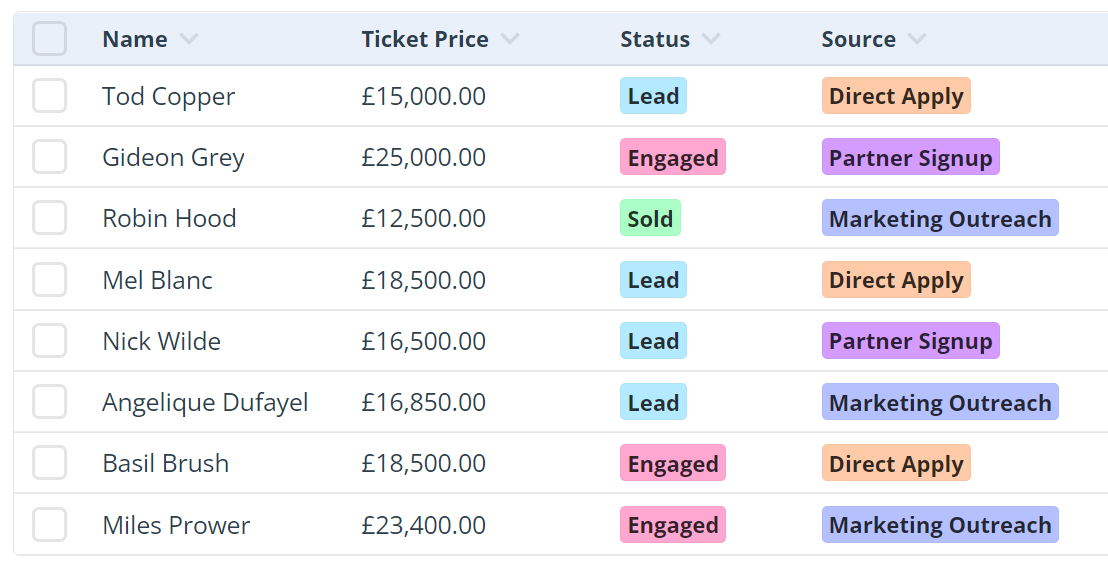
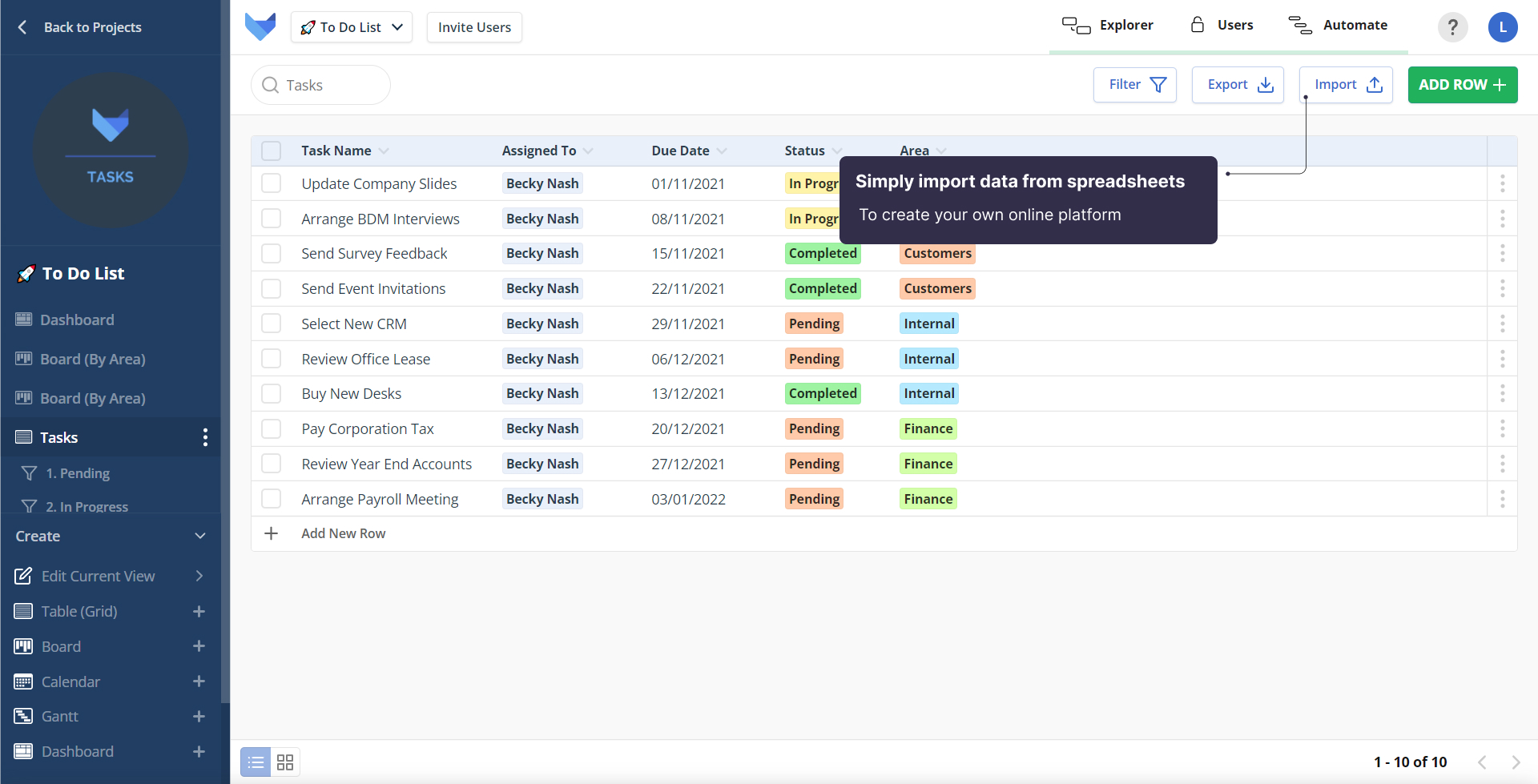
Gridfox works the way you work. Import your spreadsheets, start with a template designed to customise to your way of working or build from scratch using a simple drag and drop editor.
Remove the risk around using spreadsheets and avoid the clutter that comes with software packages by creating a custom app that's exactly to the needs of you and your business – nothing more, nothing less, only the functionality you need.
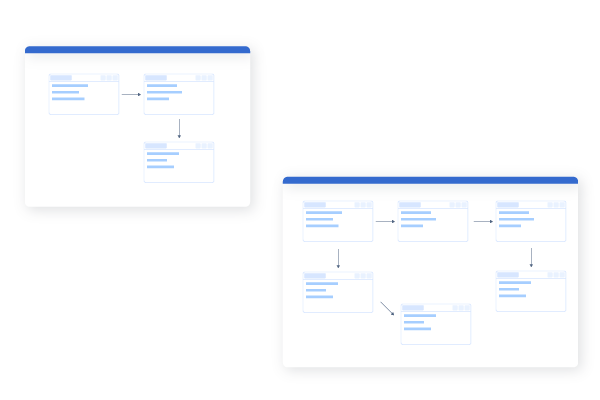
Start simple and increase your apps capabilities as and when required. Whether your team grows, or your requirements change – simply build, adapt and scale what you need, when you need it.
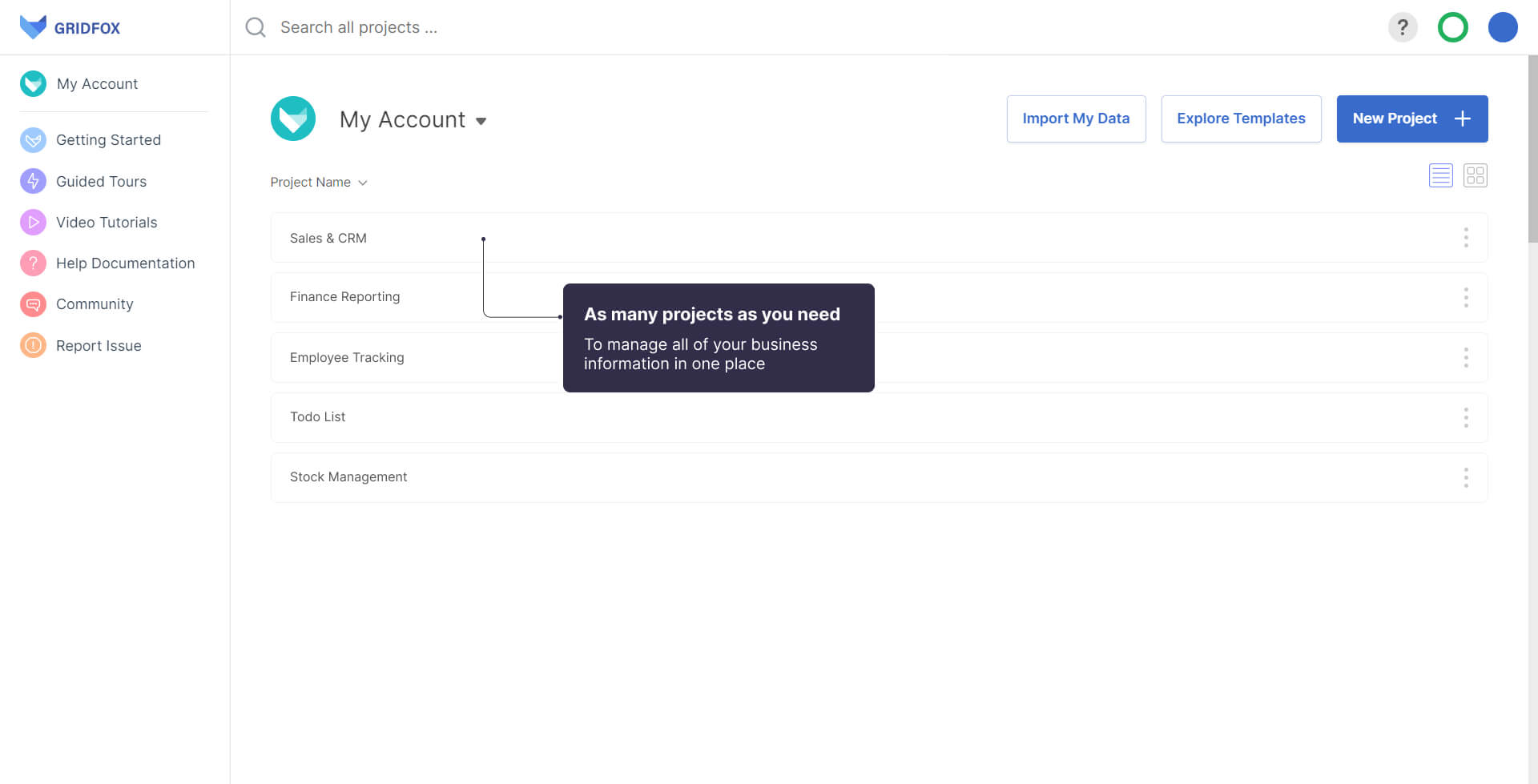
Share your apps to collaborate across your teams and customers, acting as a single source of truth and keeping all of your business information up to date in real-time.
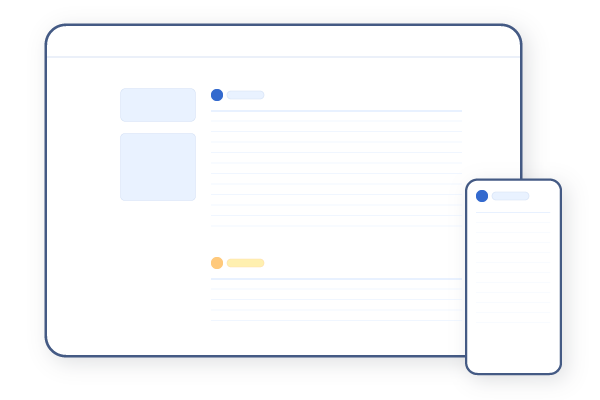
Access your information securely from your desktop, tablet or mobile device, enabling you to access all of your information and manage your work, your way, from anywhere.
Remove the boundaries of existing functions and discover a new way to work.
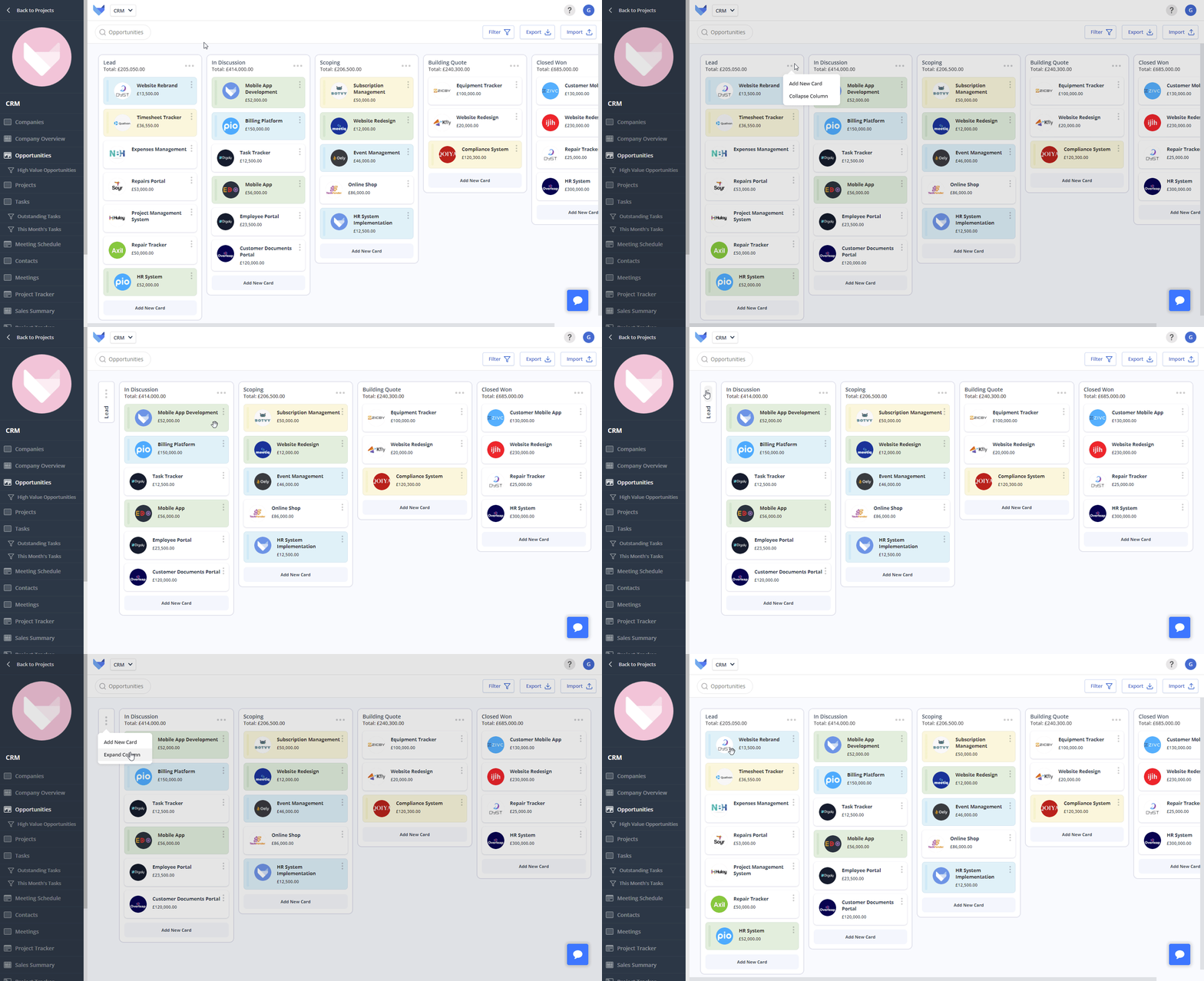
Intuitive drag-and-drop
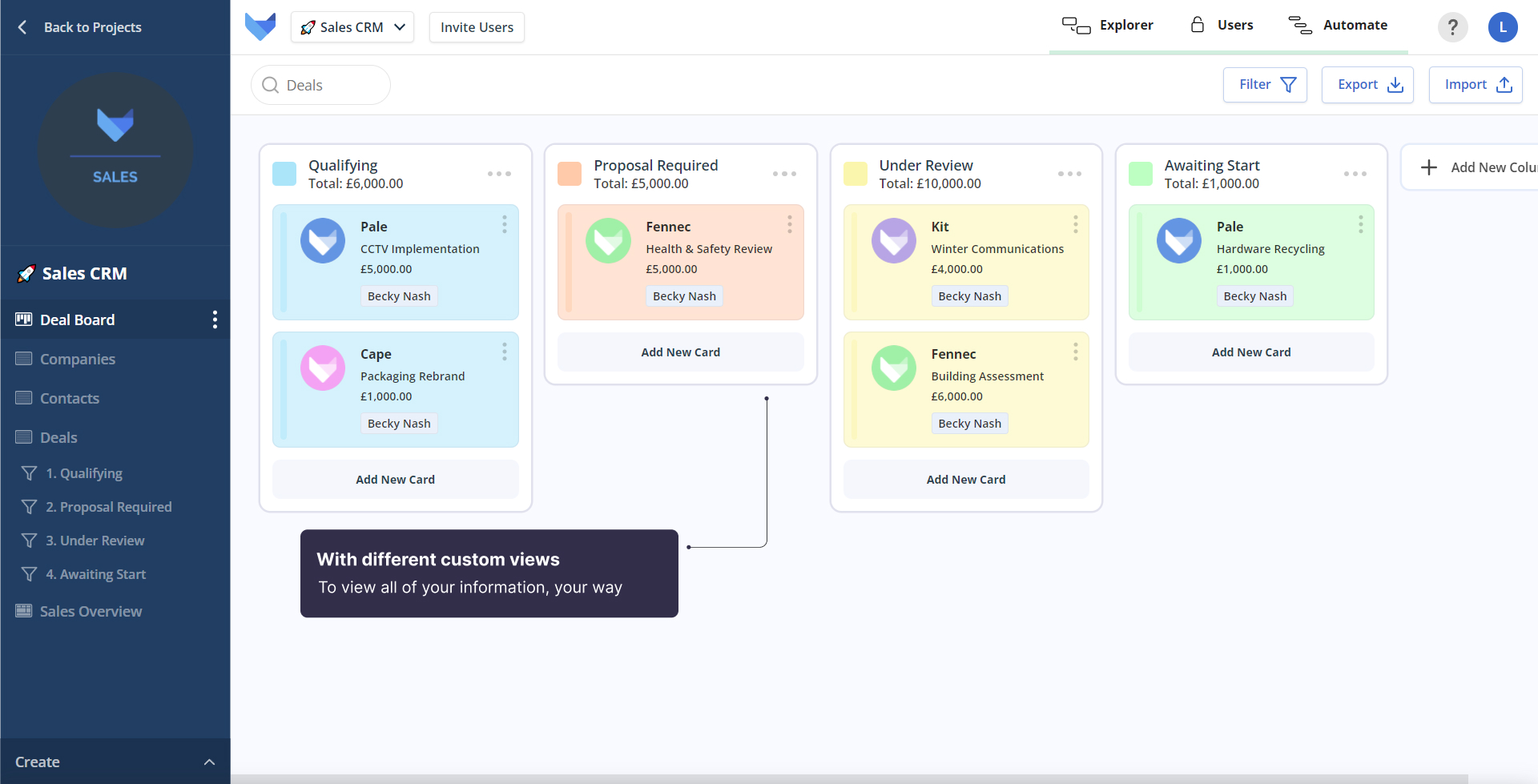
Simply drag and drop cards to reorder them within the same column, or to move cards between different columns.
Columns to suit you
Create custom columns to view information in the way that matters to you – create list items to sort cards by anything from owner or status, to area or channel.
Custom colour coding
Set your cards custom colours based on what you need to see for an intuitive overview of where work is. Set by any list field, whether that be status, owner, or product type.
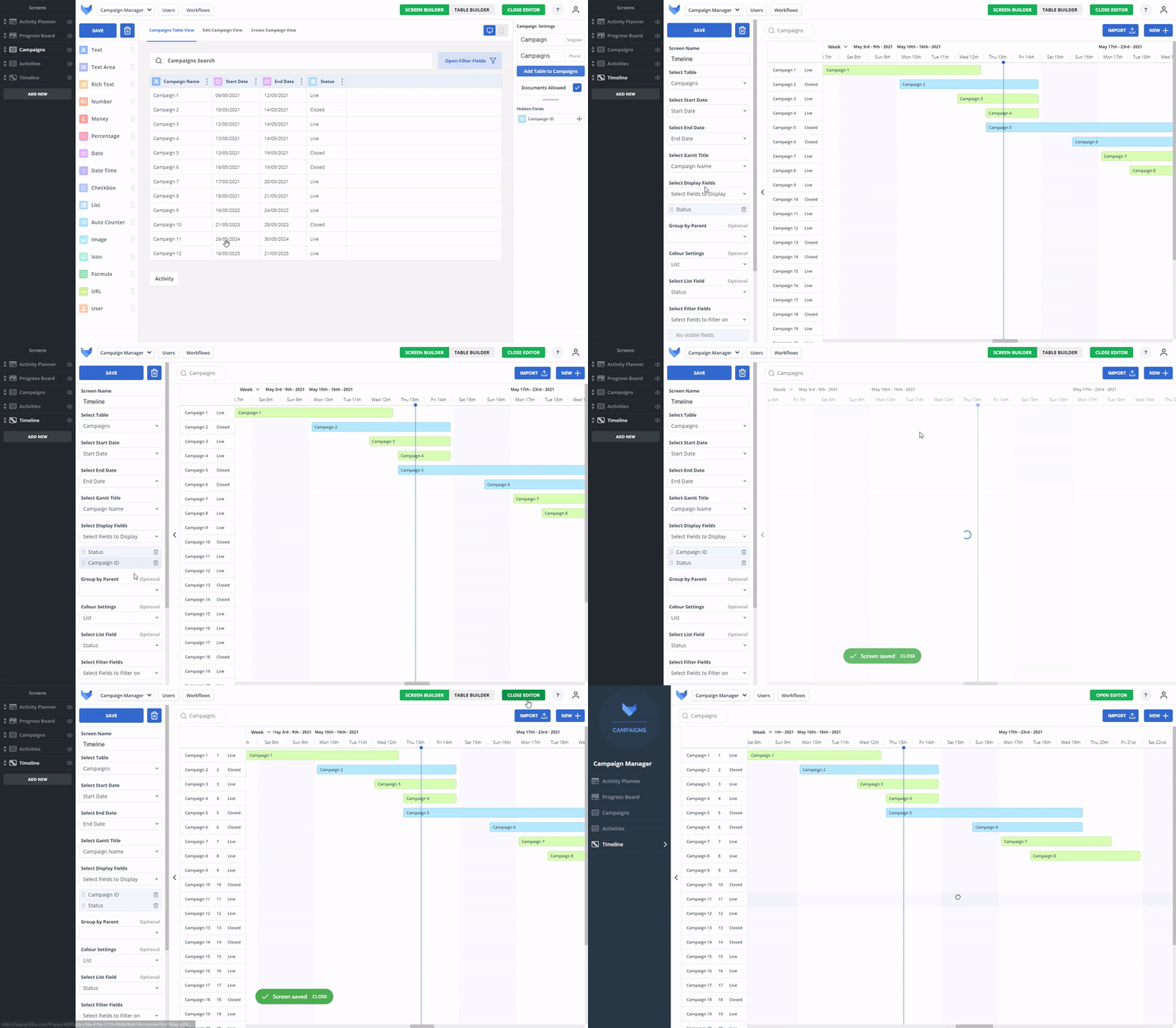
Custom views
Choose your own date based views for an overview of your projects that suits you - from hour to week, or month to year.
Colour coding
Set custom colours across anything - from tasks or owners, to areas or projects, to easily know what’s happening, when and where.
Configure fields
Configure your own custom fields to show all of the information you need to see in a snapshot overview to keep you on track.
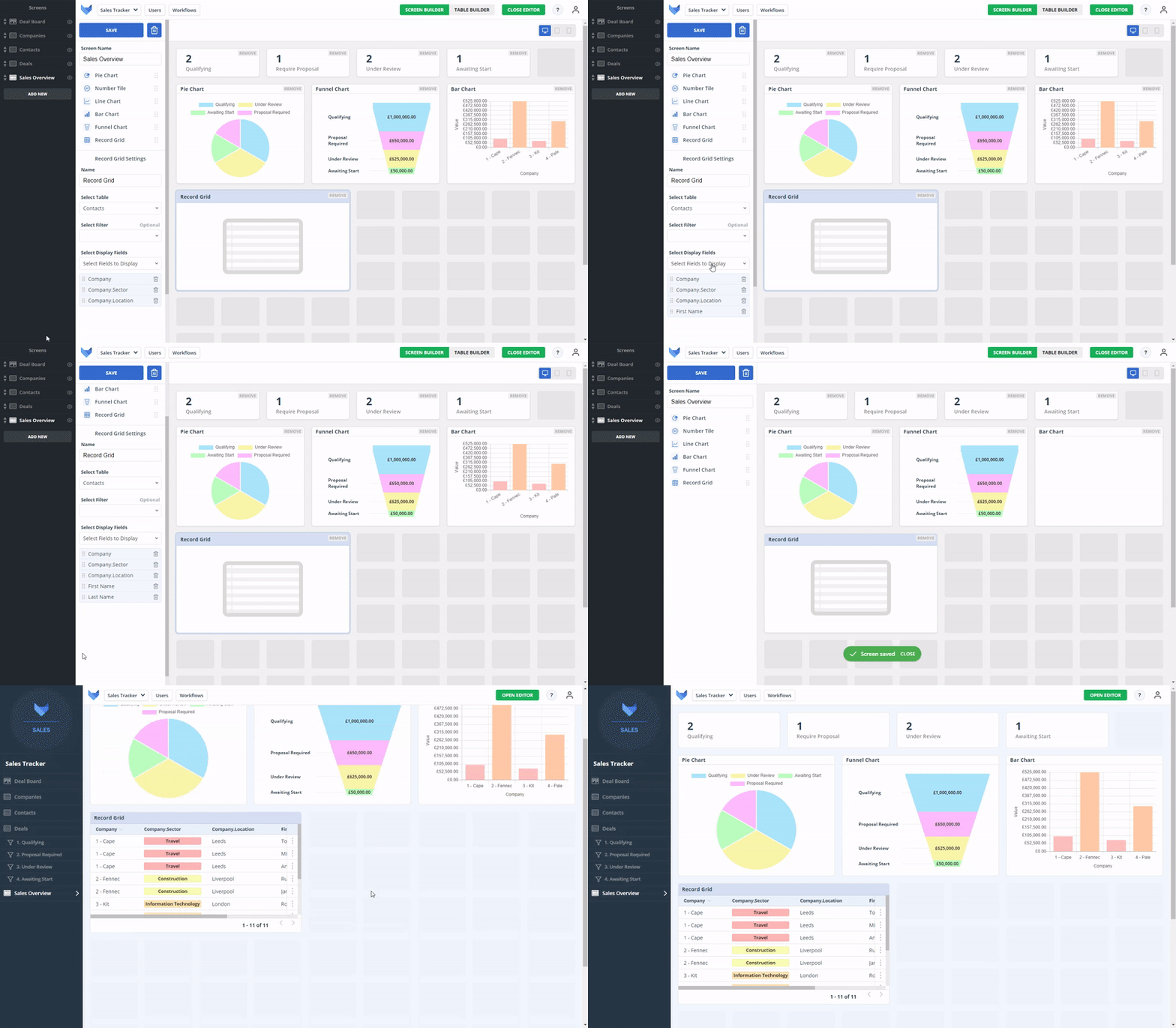
Custom charts
Create a custom view with different chart components, from pie charts and line graphs to funnel charts and number tiles, to visualise and understand your project information.
Drag and drop
Simply drag and drop all of the charts that you need onto your Dashboard into the layout that works best for you.
Detailed overviews
Bring project tables into your dashboards to get a detailed visual overview of your core project information.
Tamsin Fielden, Marketing Director, The Marketing Centre
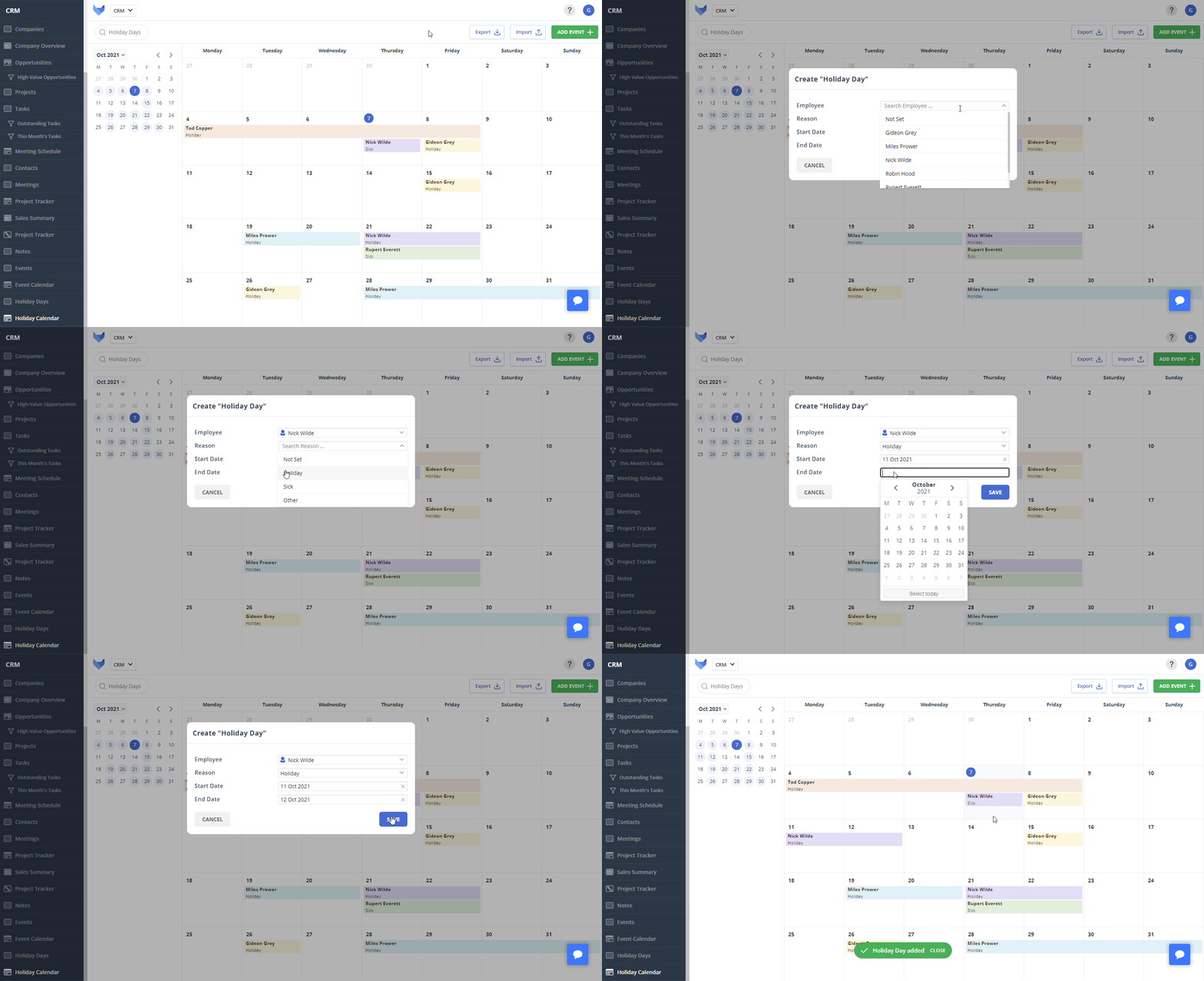
Views for you
Create a custom calendar with grid or column view to see your date based information in the way that suits you and your team best, whether by day, week or month.
Colour coding
Set custom colours for your calendar events based on list fields to get a quick overview of what is happening, where, with who and when.
Custom fields
Set your own custom fields to show on your calendar records – such as who the record is assigned to, the status of the task or the location.
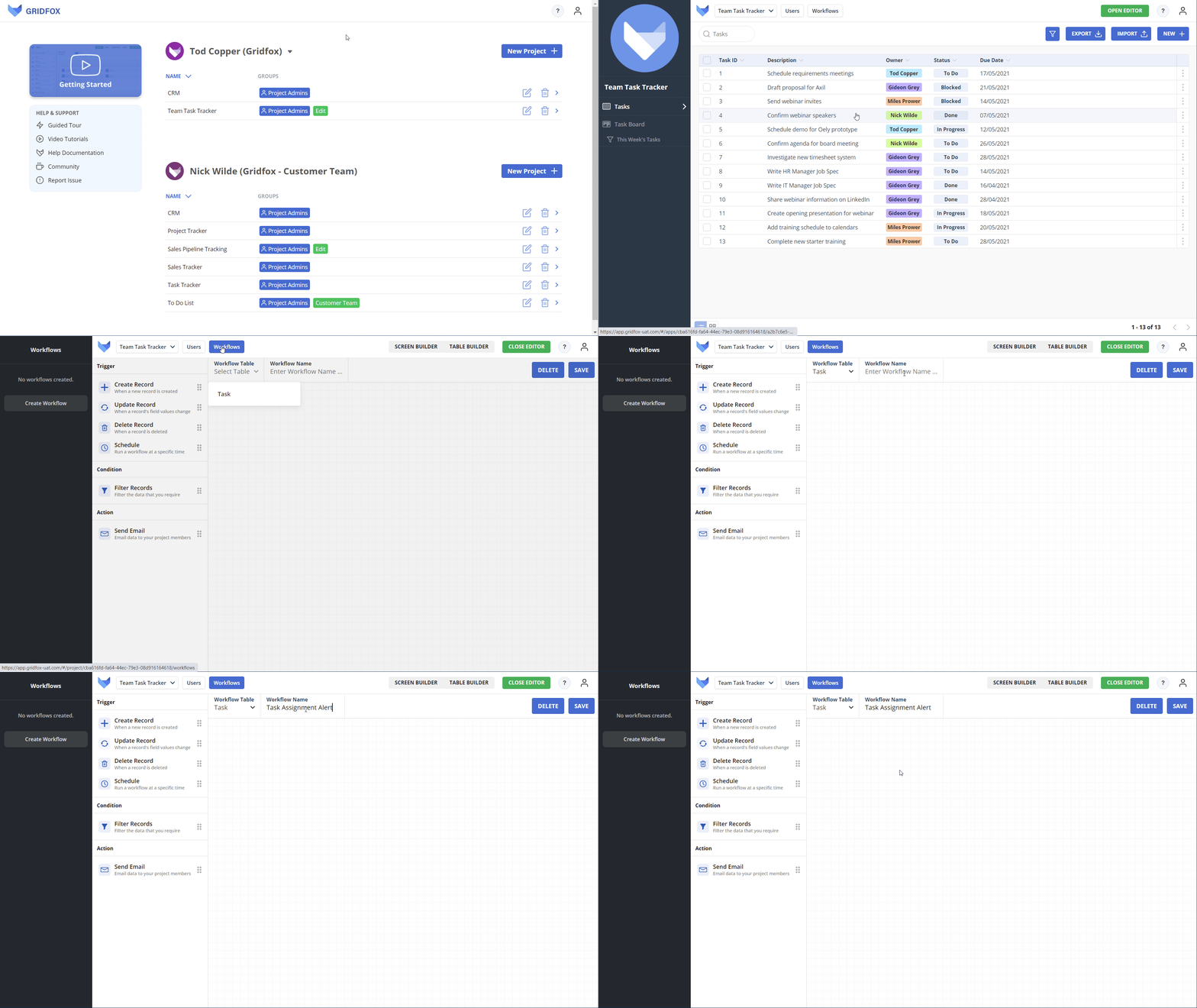
Real-time notifications
Set custom actions to trigger from events creating real-time notifications on anything that your project needs, ensuring everyone is kept up to date.
Simple reminders
Never let your team miss a task by setting workflows for reminders to email team mates on outstanding tasks assigned to them.
Increase collaboration
Set custom workflows specific to groups, reducing manual time spent communicating across team members.
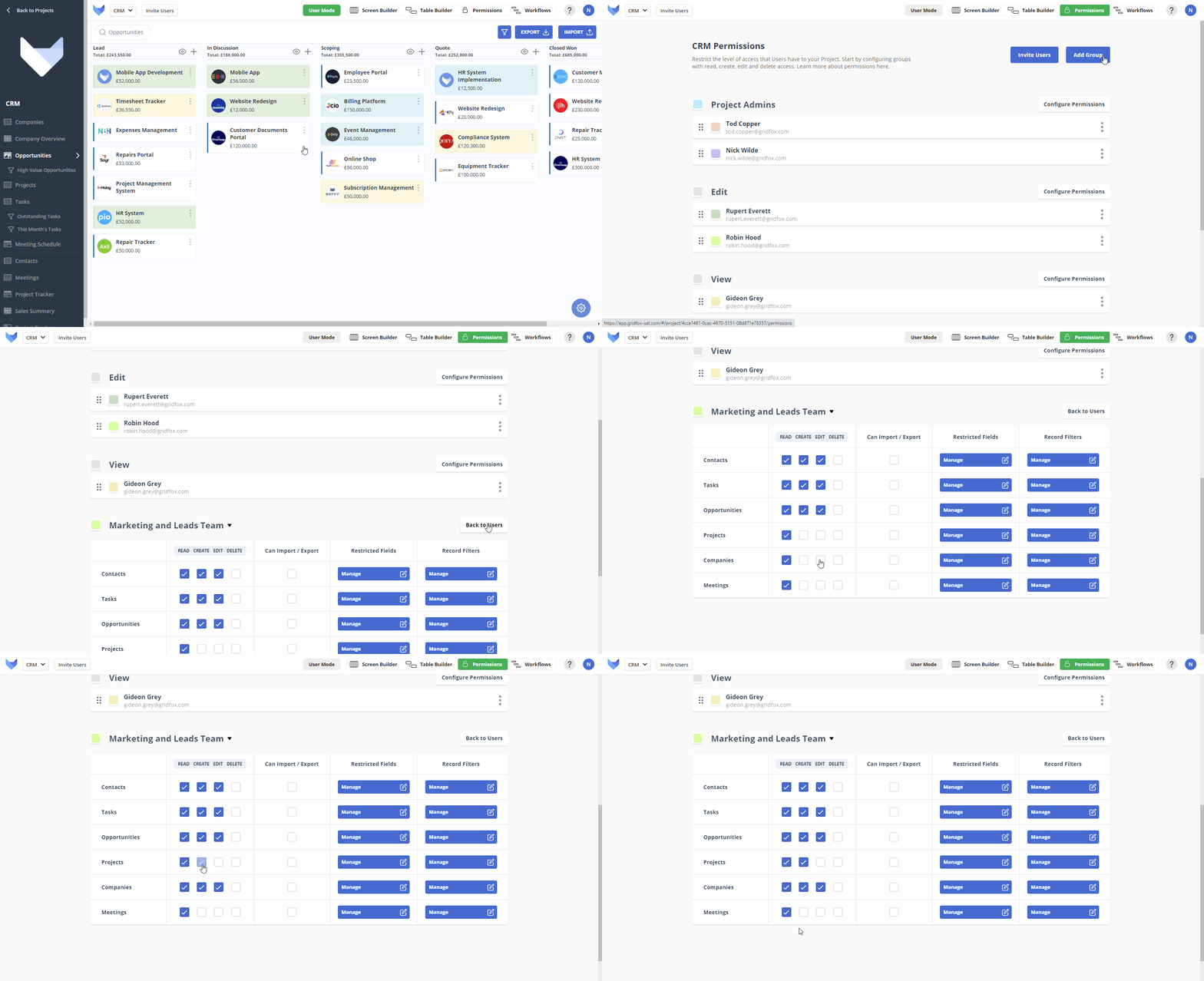
Group access
Create custom permissions by group, including admin, edit or view, ensuring that users only have access to the information they need
Field access
Restrict user access at a field based level, enabling you to choose which fields a user can view or edit across your project.
Record access
Create specific permissions to control access to the records that a user can view or edit across your project, giving you greater control.



Trusted by top companies and brands
 GRIDFOX